Paste a full list
Skip the row-by-row entry forms. Add your spelling words in one action.
Free printable worksheet tools
Create classroom-ready practice sheets with simple, reliable worksheet generators designed for teachers and homeschool families.
Free to use · No sign-up · Words stay in your browser
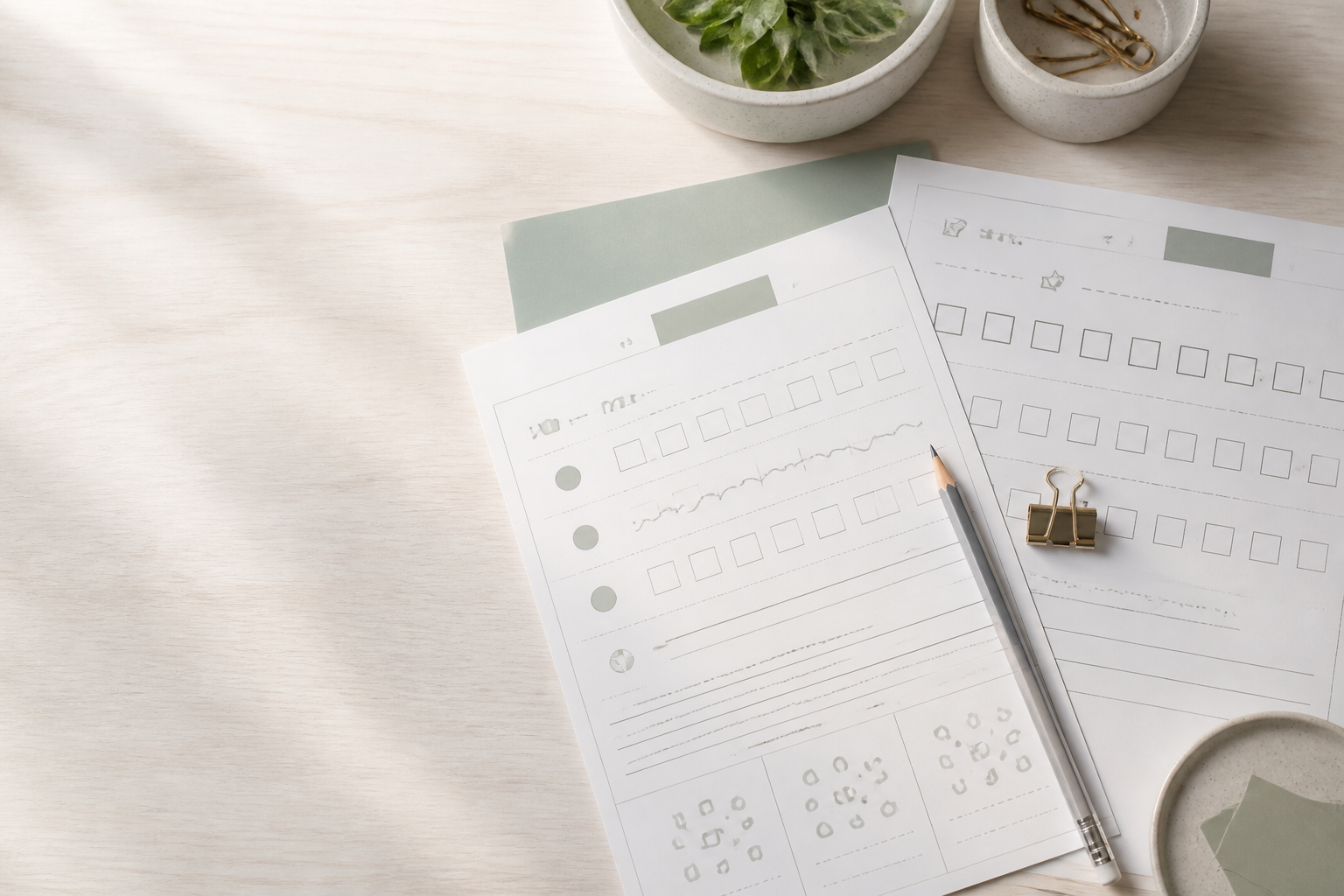
Available now
Paste your spelling words once and create a word list, missing-letter practice, word scrambles, ABC order activities, writing practice, and answer keys.
How it works
Paste one word per line or add a list from a document or spreadsheet.
Select the practice activities you want. Helpful defaults are already selected.
Check the finished PDF, then download it or open it for printing.
Built for prep
One dependable workflow turns the words you already have into classroom-ready practice.
Skip the row-by-row entry forms. Add your spelling words in one action.
Use the same list for different types of practice without entering it again.
Your spelling words are processed locally and are not sent with analytics events.
The file you preview is the same file you download or print.
Flexible classroom support
Build Worksheets is for classroom teachers, homeschool families, tutors, ESL teachers, and parents helping children practice spelling at home. Every worksheet begins with a custom list, so the same straightforward tool can support a full classroom, a home lesson, a tutoring session, or targeted language practice without prescribing a curriculum.
Weekly spelling practice should not take over your planning period. Classroom teachers can paste the words they are already using, choose a few focused activities, and create a clean packet for independent work, homework, review, or a literacy center. The simple workflow also makes it easy to prepare a revised worksheet when a list changes at the last minute.
Homeschool parents can build practice around the exact words a child is learning instead of searching through pre-made sheets that almost fit. Use a short list for a younger learner, combine several activities for a weekly lesson, or print another copy when extra practice would help. There is no account to manage and no subscription step between the word list and the finished worksheet.
Tutors, reading specialists, and learning centers often work with several learners who need different word lists. The generator provides a reusable starting point without forcing every session into the same template. Paste a new list, select the practice formats that suit the lesson, and create a consistent printable resource for one-to-one instruction, small groups, or practice between appointments.
ESL and ELL teachers can turn a current vocabulary set into approachable written practice. A word list can come from a story, classroom topic, or language lesson, while Missing Letters, Word Scramble, ABC Order, and repetition activities provide different ways to notice and write each term. Teachers remain in control of the vocabulary and can choose the activities that match each learner's needs.
A simpler prep workflow
A useful generator removes repetitive production work while leaving the teaching choices with you. You choose the words and activities; the tool takes care of the printable structure.
Building a worksheet manually means copying words into boxes, aligning writing lines, checking page breaks, and repeating the work for every activity. A worksheet generator handles that routine layout work in seconds. Instead of spending an evening nudging text around a document, you can paste the list, review the choices, and move on to the parts of lesson preparation that need your professional judgment.
Generic worksheets are convenient only when their vocabulary matches your lesson. Build Worksheets starts with your exact word list, so the practice can follow this week's spelling pattern, a current reading selection, or an individual learning goal. One list can become several activities without being typed again, giving students useful variety while keeping every page connected to the same set of words.
The generator creates a ready-to-print PDF, so you do not have to troubleshoot margins, columns, or shifting fonts. Preview the finished file before you use it, then download the same artifact or open it for printing. The tool is free, requires no sign-up, and runs in a modern browser on computers, tablets, and phones—there is no special software to install when you are preparing at school or at home.
Five practice formats
Select one activity for a focused lesson or combine several into a varied spelling packet. Each format uses the same reviewed word list, so students can meet the words in different ways without you rebuilding the source material.
Worksheet 1
Create a simple printable reference page that keeps every spelling word clear and easy to scan. It works well as the front page of a weekly packet, a study list for home, or a classroom reference students can use before moving into independent practice.
Worksheet 2
Give students partially completed words and ask them to fill in the blanks. The activity keeps useful letter clues visible while creating a focused spelling challenge, and the optional answer key makes it practical for independent work or quick review.
Worksheet 3
Turn each spelling word into a letter-order puzzle for students to unscramble. Apostrophes, hyphens, and word boundaries stay recognizable, while words that cannot be meaningfully scrambled receive a clear copy-the-word prompt instead of a confusing unchanged puzzle.
Worksheet 4
Present the words in a mixed order and provide numbered lines for sorting them from A to Z. This format combines spelling review with alphabetizing practice and includes a matching answer section when answer keys are enabled.
Worksheet 5
Provide structured repetition practice with three writing spaces for every entry. Students can slow down, look closely at each spelling pattern, and write the complete word several times on a clean page without teachers drawing or duplicating handwriting lines by hand.
Free printable tools
Choose the printable activity that fits today's lesson. Every generator is free, works without an account, and keeps custom worksheet content in your browser.
Tool 01
Turn a custom word list into printable spelling activities and answer keys.
Try ItTool 02
Create dotted cursive tracing guides and practice lines from custom words.
Try ItTool 03
Create shuffled word-and-definition matching pages with an answer key.
Try ItCommon questions
Yes. The spelling worksheet generator is free to use, with no subscription or payment step.
Yes. Paste or type 3 to 30 words or short phrases, review the parsed list, and use that same custom list for every worksheet type you select.
The generator is not tied to a specific grade. Teachers and parents choose the words and activities, so they can decide whether the resulting practice fits their learners.
No. You can open the generator, create a worksheet, and download the PDF without registering, signing in, or sharing an email address.
Build Worksheets does not ask for student names. Your spelling words stay in your browser and are not sent with analytics events. A safe draft of the word list and settings may remain on that device for up to seven days, but worksheet titles and generated PDFs are not saved as part of the draft.
Yes. Preview the completed PDF, download it, or open the same file for printing. The preview, download, and printable version all use the same generated artifact.
US Letter is the default. You can also choose A4 in the generator's advanced settings before creating the PDF.
No. Build Worksheets runs in a modern web browser. You can generate and download the PDF directly from the tool page.